
The Sample Calculator.
Precise.
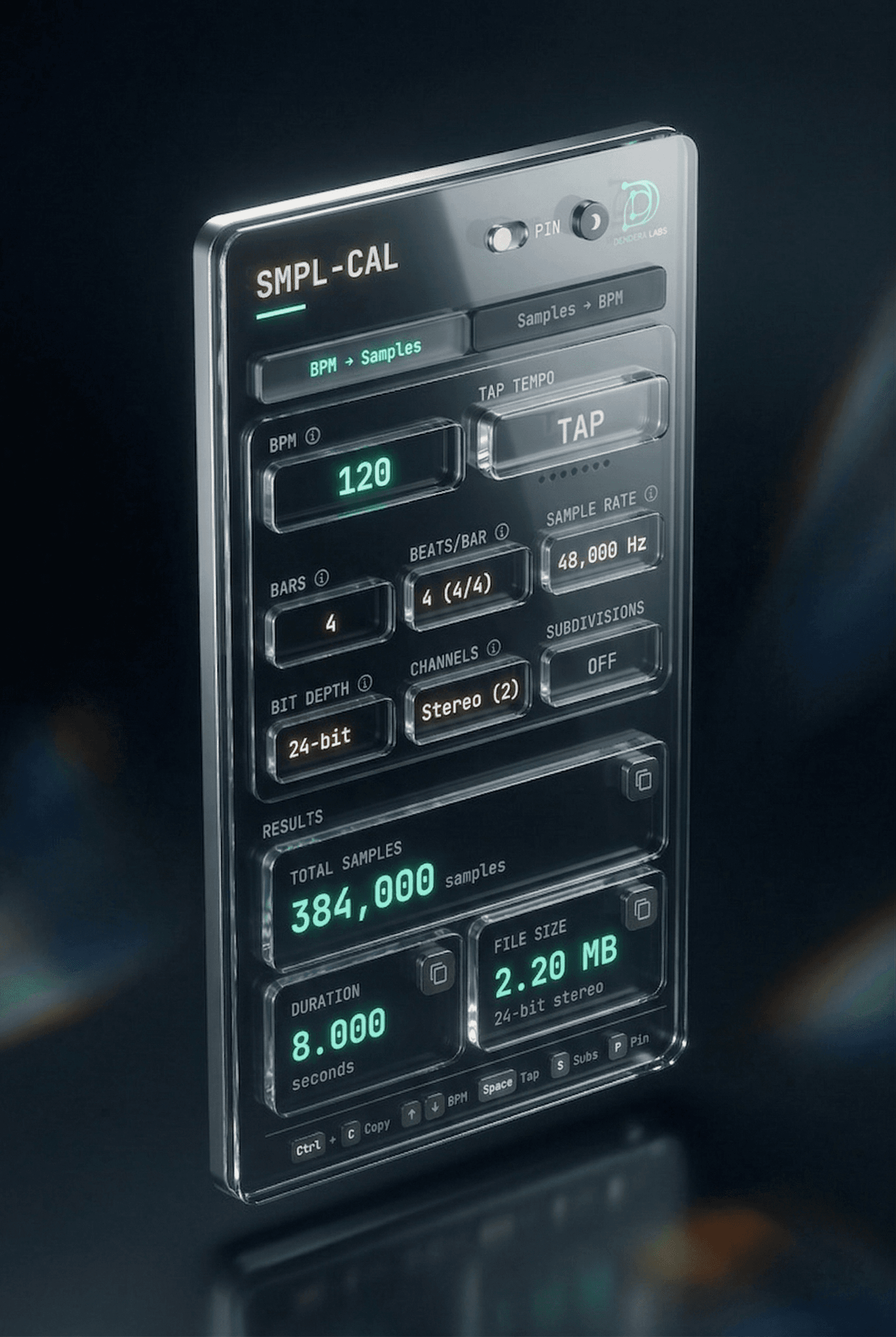
Stop guessing sample counts. SMPL-CAL converts BPM, bars, and time signature into exact sample values — with full control over sample rate, bit depth, and channel format.
Built for the Details
"The difference between a tight loop and a drifting one is a single sample." SMPL-CAL exists for the engineers who refuse to leave precision to chance.
Sample-Perfect Output
Enter BPM, bars, and time signature. Get the exact sample count that corresponds to your loop — down to the last frame. Zero drift, zero rounding errors.
Full Format Control
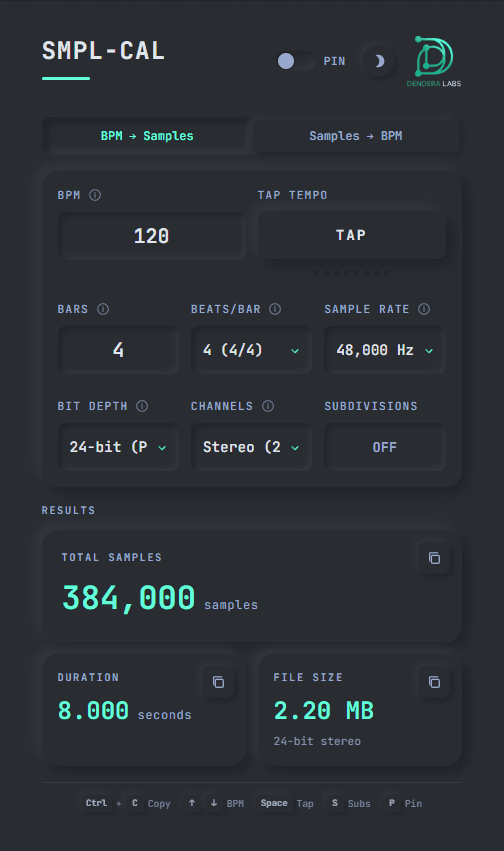
Choose your sample rate (44.1k, 48k, 88.2k, 96kHz), bit depth (16, 24, 32-bit), and channel count (mono/stereo). See the resulting file size in real time before you even render.
Inverse Mode
Already have a sample count? Flip the calc. SMPL CAL can reverse-engineer the BPM from any sample length — ideal for matching loops from unknown sources.
Every Subdivision. All at Once.
Expand the subdivisions panel to see the sample count and millisecond duration for every note value — from whole notes down to 1/64th — straight, triplet, and dotted. The grid you never knew you needed.
Complete Note Values
From 1/1 to 1/64th — straight, triplet, and dotted subdivisions all calculated instantly.
Time & Sample Dual Display
See both milliseconds and exact sample counts side by side for every division.
One-Click Copy
Click any value to instantly copy it to your clipboard for immediate use in your DAW.
Real-Time Updates
Change BPM, sample rate, or time signature and watch all values recalculate instantly.
Designed for Dark Mode
Late-night rendering sessions demand a UI that doesn't burn your eyes. SMPL-CAL shares the same dark neumorphic design language as the rest of the Dendera Labs suite — clean, focused, and built to live inside your studio workflow.
- Eye-strain free colors
- Contrast-optimized typography
- Minimal footprint UI
Complete Feature Set
Everything you need for sample-perfect loop calculations. No subscriptions, no internet required.
Windows x64 • No installation bloat • No subscriptions